How to Manage Dropshipping Using Shopify Mobile App (2026 Guide)
❓ Can you manage a dropshipping business using only the Shopify mobile app?
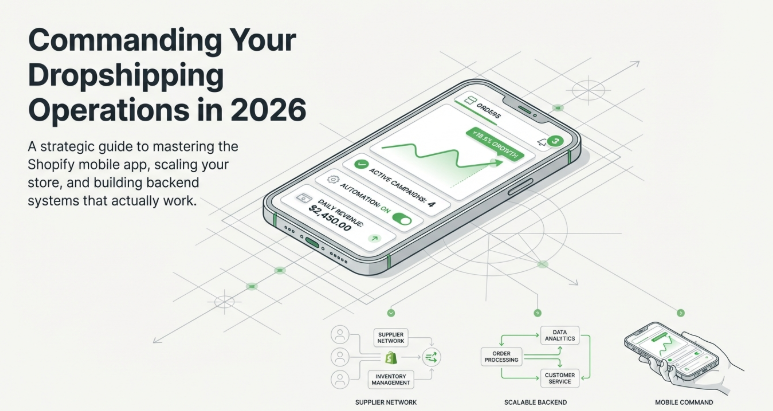
Yes, you can manage most day-to-day dropshipping operations using Shopify’s mobile app, including orders, products, analytics, and customer communication. However, setup and advanced customization are easier on desktop.
Quick Summary
Shopify’s mobile app allows you to run your dropshipping business from anywhere.
In this guide, you’ll learn:
- What you can do with the Shopify mobile app
- Step-by-step usage for daily operations
- Limitations you should know
- Real insights from active sellers
- How to manage your store efficiently
👉 If used correctly, the mobile app can help you stay consistent and responsive.
Introduction
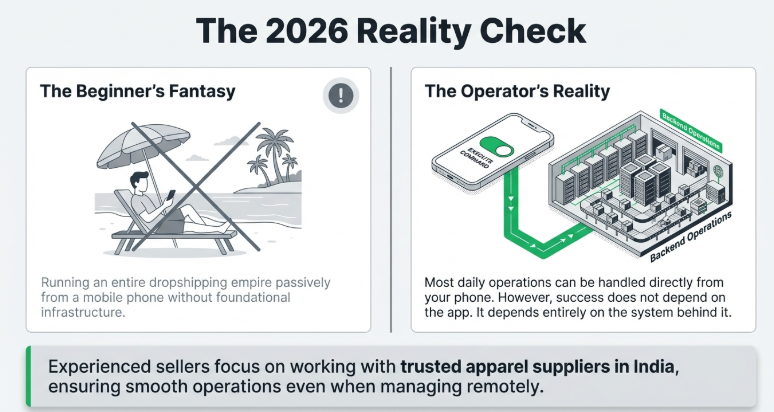
Many beginners think they need a laptop to run a dropshipping business.
But in 2026:
👉 Most daily operations can be handled directly from your phone.
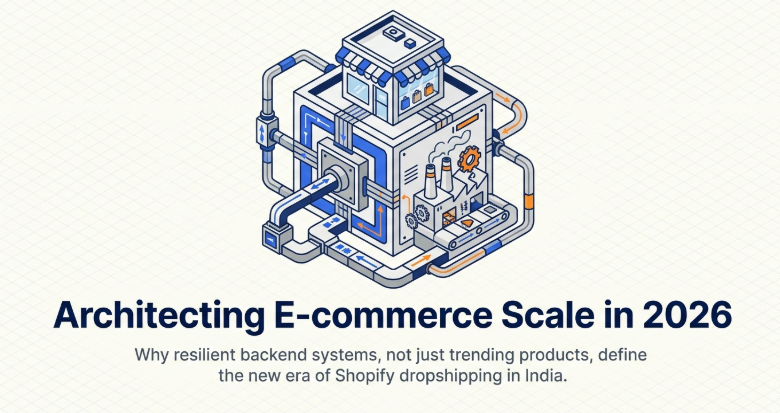
Still, your success doesn’t depend on the app — it depends on your system.
This is why experienced sellers focus on working with India-based fashion dropshipping suppliers, ensuring smooth operations even when managing remotely.
Before you begin, it’s also useful to understand common dropshipping mistakes and how to avoid them so you don’t rely only on tools without building a strong foundation.
What You Can Do with Shopify Mobile App
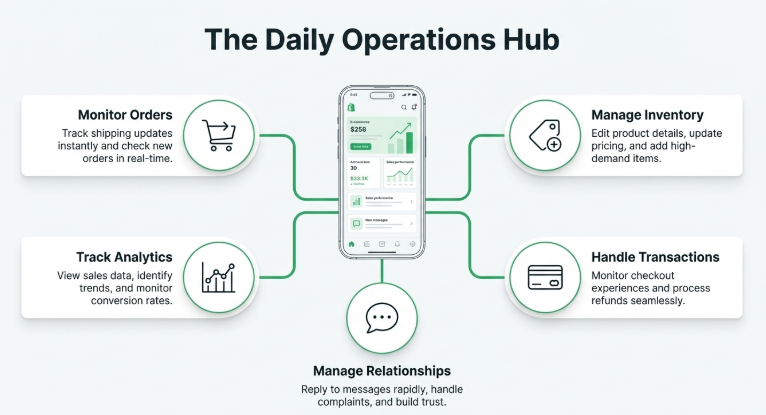
The Shopify mobile app allows you to:
- Track orders in real time
- Manage products
- View analytics
- Communicate with customers
- Process refunds
👉 It acts as your control center on the go.
Step-by-Step: Managing Your Store via Mobile
📱 1. Monitor Orders
- Check new orders instantly
- Track shipping updates
- Respond to customer queries
📱 2. Manage Products
- Edit product details
- Update pricing
- Add new items
If you're still deciding what to sell, explore best clothing products for Shopify dropshipping in India to choose high-demand items.
📱 3. Track Performance
- View sales data
- Monitor conversion rates
- Identify trends
📱 4. Handle Payments
Your checkout experience is critical.
👉 You can explore best payment gateways for Shopify dropshipping to ensure smooth transactions.
📱 5. Manage Customers
- Reply to messages
- Handle complaints
- Build trust
Snazzyway Insight (Real Seller Behavior)
Across established dropshipping ecosystems in India, clear patterns have emerged over time.
Currently, 4000+ sellers are actively managing their businesses within the Snazzyway network, and a noticeable shift in operations has taken place.
👉 Since 2023, a majority of Shopify-based sellers prefer using mobile apps for daily monitoring, quick updates, and order management.
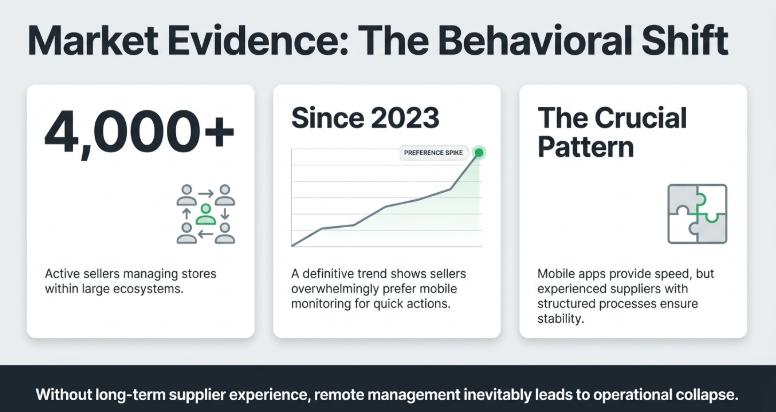
However, one key insight stands out:
👉 Mobile apps improve speed — but supplier systems ensure long-term stability.
Sellers who succeed consistently are not just relying on tools. They are supported by supplier systems that have been built over many years, with structured processes for product quality, inventory, and delivery.
This becomes especially important when managing your store remotely.
If you're just getting started, it’s helpful to first understand how to start dropshipping on Shopify before optimizing how you manage it.
👉 Experienced sellers ultimately focus more on backend reliability and supplier consistency, rather than just convenience tools like mobile apps.
What You Cannot Do Easily on Mobile
Some tasks are better on desktop:
- Store design customization
- Theme editing
- Advanced analytics
- App integrations
👉 Use mobile for management, desktop for setup.
Real Example: How Sellers Use Mobile Efficiently
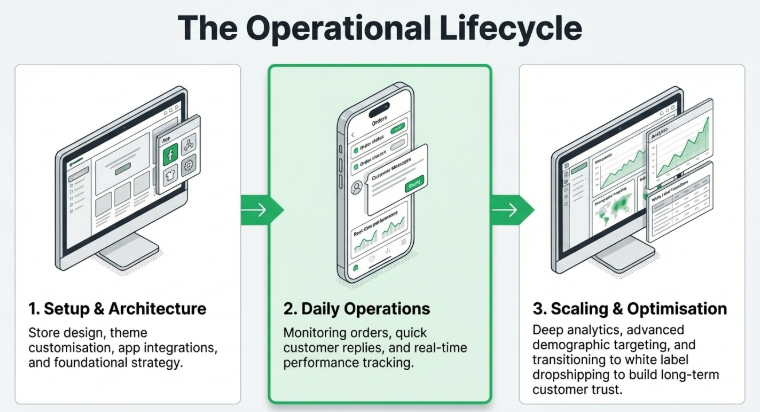
A typical workflow:
- Desktop: Setup store
- Mobile: Daily operations
- Desktop: Scaling & optimization
As sellers grow, they focus on branding.
👉 This is where white label dropshipping helps build long-term customer trust.
They also improve targeting using dropshipping for different demographics to increase conversions.
Platform vs System Reality
Many beginners think tools like mobile apps are enough.
But real success comes from systems.
👉 To understand this better, explore how Snazzyway dropshipping works and how backend operations support scaling businesses.
Market Strategy Matters Too
Your management approach depends on your market.
👉 This guide on Indian vs international dropshipping can help you decide your strategy.
Marketplace vs Store Management
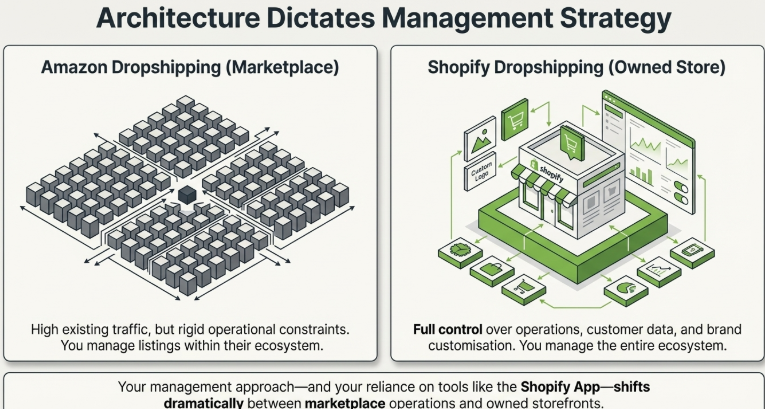
If you’re comparing models:
👉 Understanding Amazon dropshipping in India will help you see how marketplace operations differ from Shopify.
How Much Can You Earn?
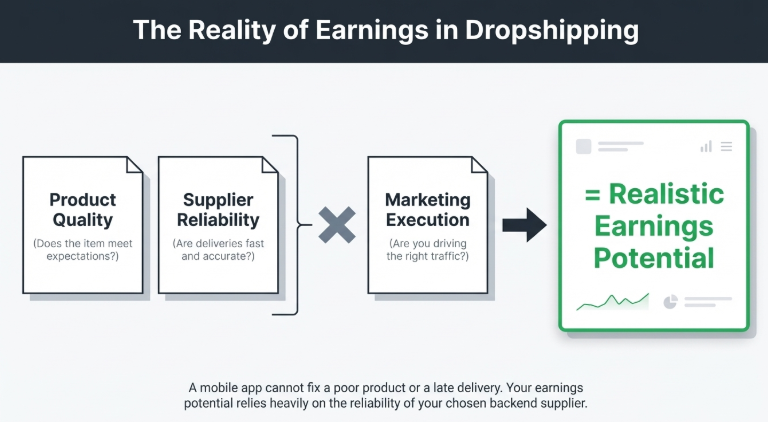
Your earnings depend on:
- Product quality
- Supplier reliability
- Marketing
👉 Check how much you can earn from Shopify dropshipping in India for realistic expectations.
Pros and Cons of Using Shopify Mobile App
✅ Pros
- Manage business anywhere
- Real-time updates
- Quick decision making
❌ Cons
- Limited customization
- Not ideal for setup
- Smaller screen limitations
Our Recommendation
Use the mobile app for:
- Daily operations
- Monitoring
- Quick actions
Use desktop for:
- Setup
- Customization
- Scaling
Our Insight
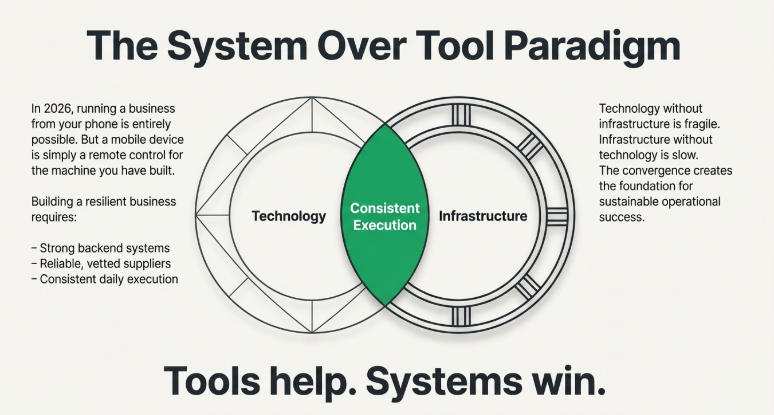
In 2026, running a business from your phone is possible.
But building a business still requires:
- Strong systems
- Reliable suppliers
- Consistent execution
👉 Tools help — systems win.
FAQs
1. Can I run Shopify fully from mobile?
Yes, for daily operations, but not for full setup.
2. Is Shopify mobile app free?
Yes, it’s included with your Shopify plan.
3. Can I add products from mobile?
Yes, easily.
4. Can I track orders in real time?
Yes, through the app dashboard.
5. Should I rely only on mobile?
No, use both mobile and desktop.
Final Thoughts
The Shopify mobile app is powerful.
But it’s not the business — it’s just a tool.
If you combine:
- Mobile efficiency
- Strong supplier system
- Smart strategy
👉 You can build a scalable dropshipping business.